WebViewer Version: 11.9.0
Do you have an issue with a specific file(s)? No
Can you reproduce using one of our samples or online demos? No
Are you using the WebViewer server? No
Does the issue only happen on certain browsers? No
Is your issue related to a front-end framework? No
Is your issue related to annotations? No
Please give a brief summary of your issue:
This is basically a repeat of this question: CORS error during initialization of WebViewer - translation file
Please describe your issue and provide steps to reproduce it:
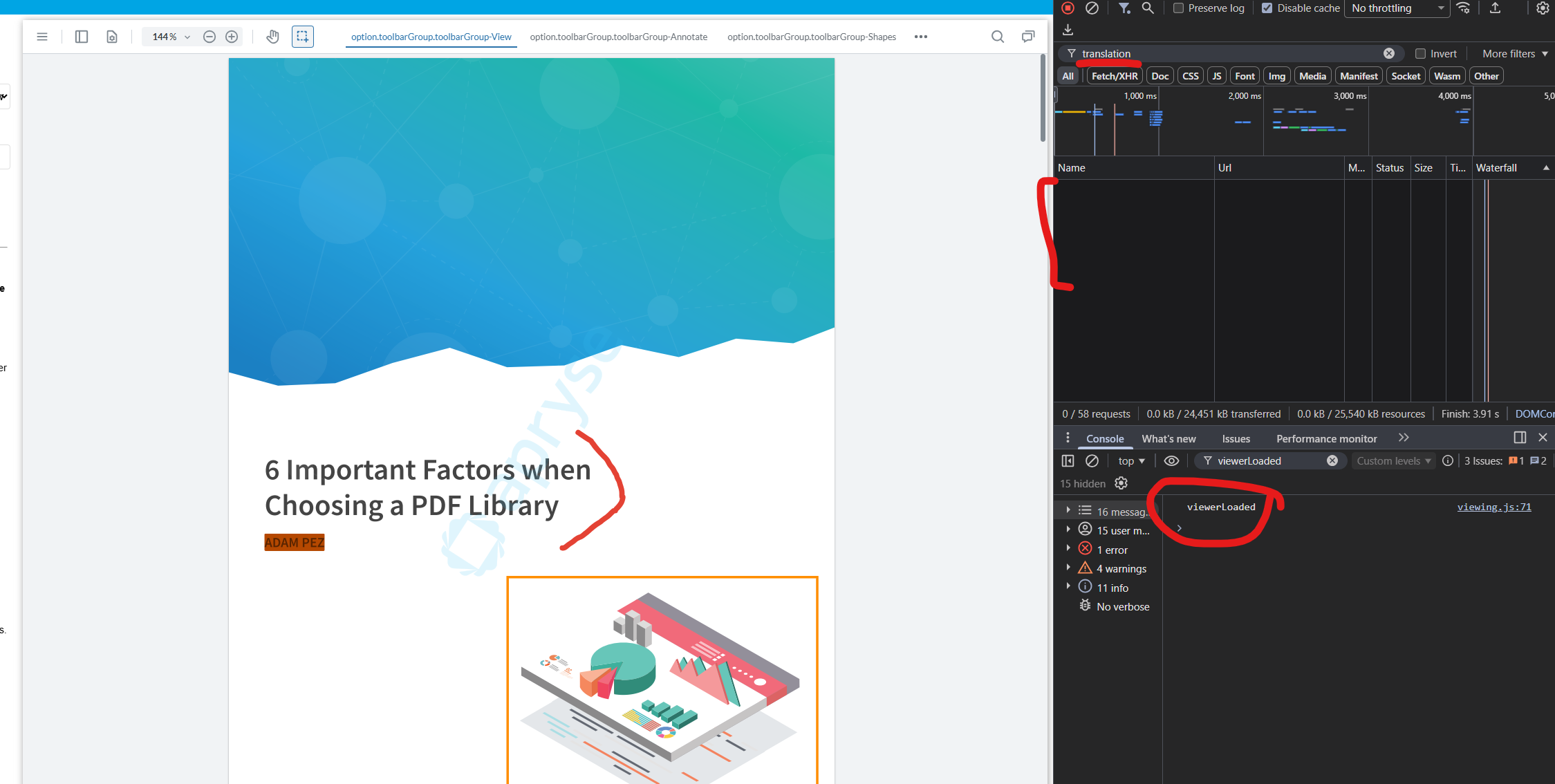
Our application is failing in a test environment to load the translation-en.json i18n file. The file is being loaded correctly and is accessible directly through our static asset server (I can plug the URL from the failed network request into my browser and view the .json file without issue) and works locally. The pre-flight OPTIONS request is rejected with a 403. The only unique wrinkle in our application is that we are loading this from a config file.
We’re not even using this internationalization file in our deployment of the application as we have a custom UI. As a workaround, is there a way to avoid loading this file altogether?
I’m answering the last questions your support person asked before this resolved
1. Could you share the snippet of code used to initialize WebViewer in your application? Are you setting the language?
The language is not being set.
return WebViewer(
    {
      licenseKey: currentConfig.APRYSE_LICENSE_KEY,
      path: path,
      config: configPath,
      custom: JSON.stringify(custom),
    },
    viewer,
  ).then(() => tearDownFunction)
2. How is CORS configured on your localhost server where the module federated component is hosted? How are the headers being set for Access-Control-Allow-Origin?
I am able to run this locally using a minimal server on port 3001 with the main app running on localhost:3000 and using the standard cors package express middleware
const express = require("express");
const cors = require("cors");
const app = express();
app.use(cors());
app.use("/webviewer", express.static(path.join(__dirname, "assets", "webviewer")));
running the app locally this doesn’t give me any problems and the access control origin header is "*" for both local and hosted app.
3. If possible, please provide the headers from the network request for the translation-en.json or whichever language file.
:authority [application-url]
:method OPTIONS
:path /[...]/uat/webviewer/v1/ui/i18n/translation-en.json
:scheme https
accept */*
accept-encoding gzip, deflate, br, zstd
accept-language en-US,en;q=0.9
access-control-request-headers x-requested-with
access-control-request-method GET
cache-control no-cache
origin https://[application-url].com
pragma no-cache
priority u=1, i
referer https://[application-url].com/
sec-fetch-dest empty
sec-fetch-mode cors
sec-fetch-site cross-site
user-agent Mozilla/5.0 (Macintosh; Intel Mac OS X 10_15_7) AppleWebKit/537.36 (KHTML, like Gecko) Chrome/146.0.0.0 Safari/537.36
4. Any specific console error messages being displayed?
Access to XMLHttpRequest at 'https://[static-server-url]/webviewer/v1/ui/i18n/translation-en.json' from origin '[application url]' has been blocked by CORS policy: Response to preflight request doesn't pass access control check: It does not have HTTP ok status.