Please give a brief summary of your issue:
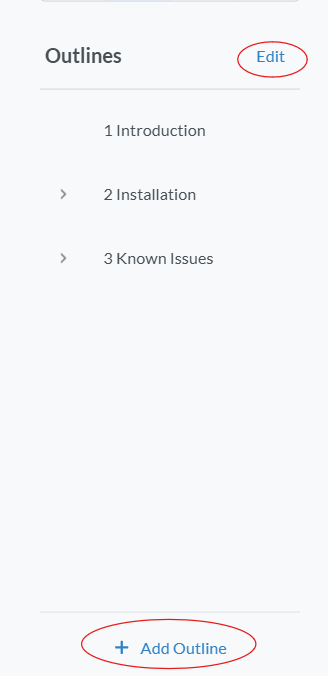
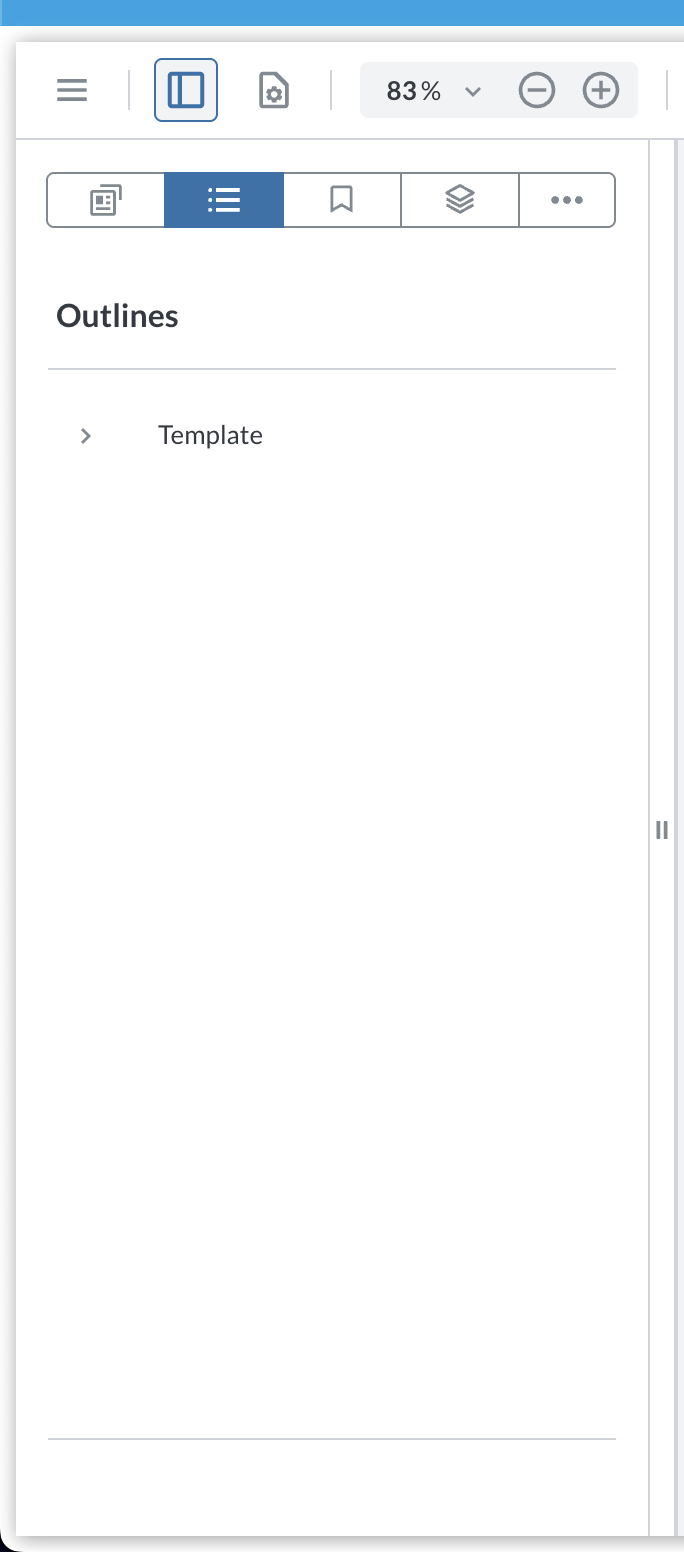
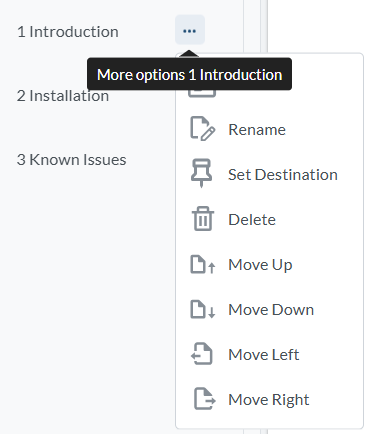
I am unable to disable/hide the Edit and Add Outlines button in the Outlines panel, including the context menu on each outline item (i.e, the three dots) :
But these don’t seem to solve the issue. Can you provide a working solution to this issue for my current version of WebViewer, without it involving upgrading to the latest version.
Hello, I’m AiRon, an automated tech support bot While you wait for one of our customer support representatives, I can help you with your question.
It seems that you’re having trouble disabling or hiding the “Add” and “Edit Outline” buttons in the Outlines panel using WebViewer version 11.3.0. The methods you’ve tried should typically work, but there might be additional steps or configurations needed to achieve this.
Some things you can try:
Ensure that the data-element names are correct. Double-check the names like “addNewOutlineButton” and “outlineMultiSelect” to see if they match the actual elements in your version.
Use the disableElements method correctly by ensuring it’s called after the WebViewer instance is fully initialized.
Consider using a configuration file to specifically disable these elements if the direct method does not work.
Check if there are any custom scripts or overrides in your implementation that might be re-enabling these elements.
Thanks, this works for disabling the add/edit outline buttons, but it does not seem to be working for the context menu(i.e. the three dots) for each outline item. Is there a different code to disable that?
Can you test with our nightly experimental branch? This may be a bug we just resolved. You can find it here: Apryse Developer Portal or by installing via npm install @pdftron/webviewer@11.11-nightly