Please give a brief summary of your issue:
We are using the Apryse Web SDK – Spreadsheet Editor (v11.10.0) to display Excel (XLSX) files in the browser.
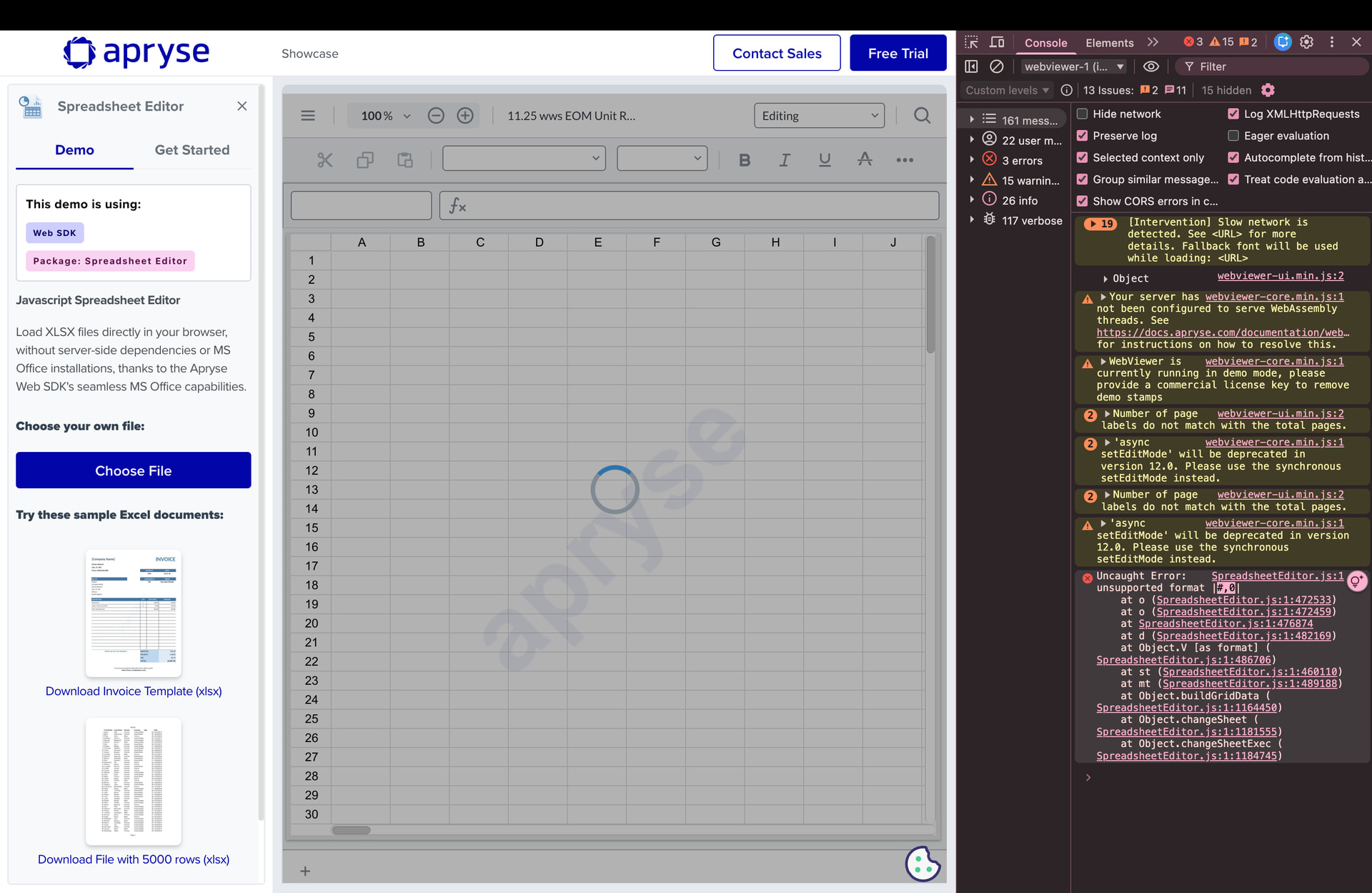
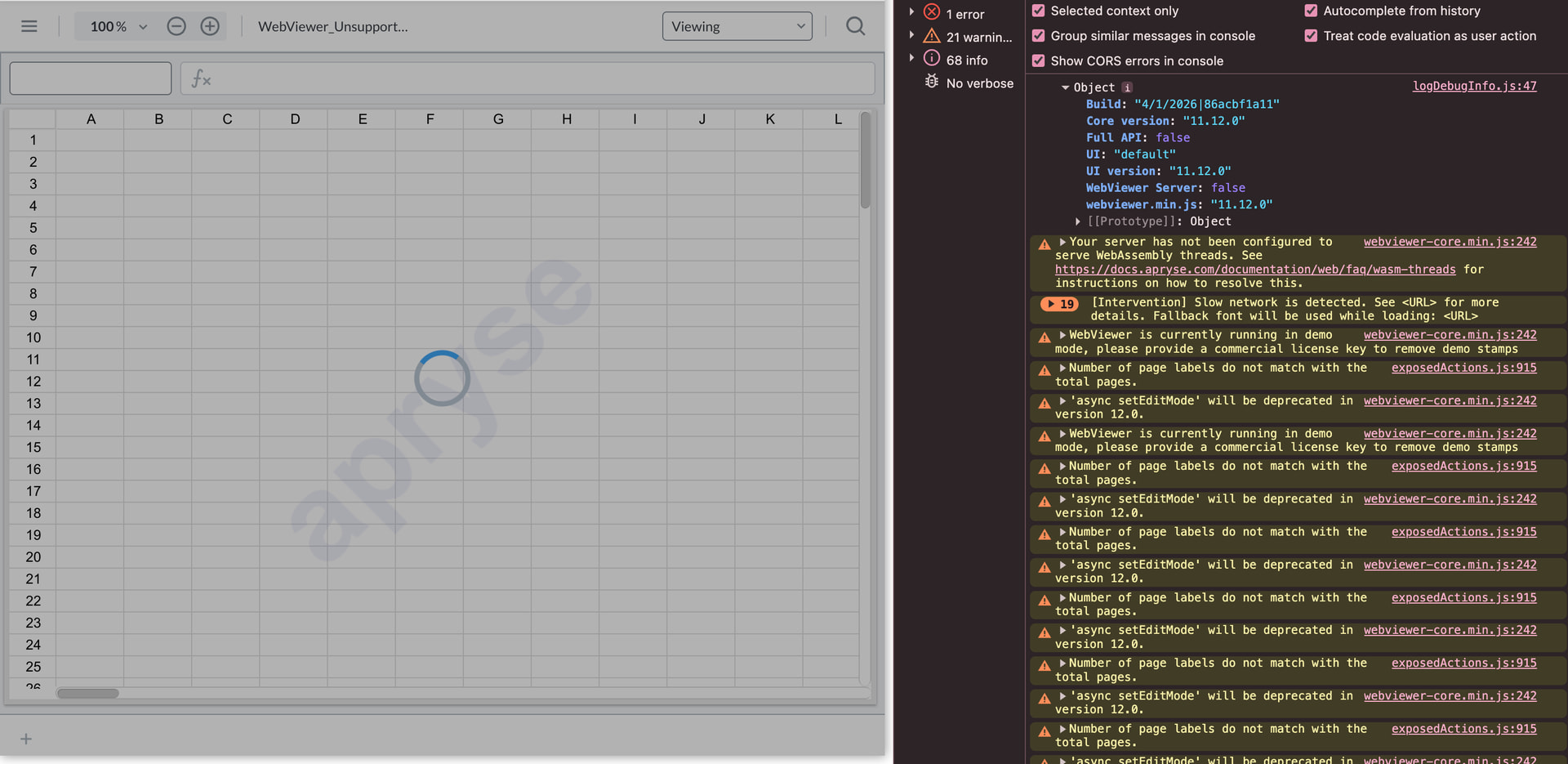
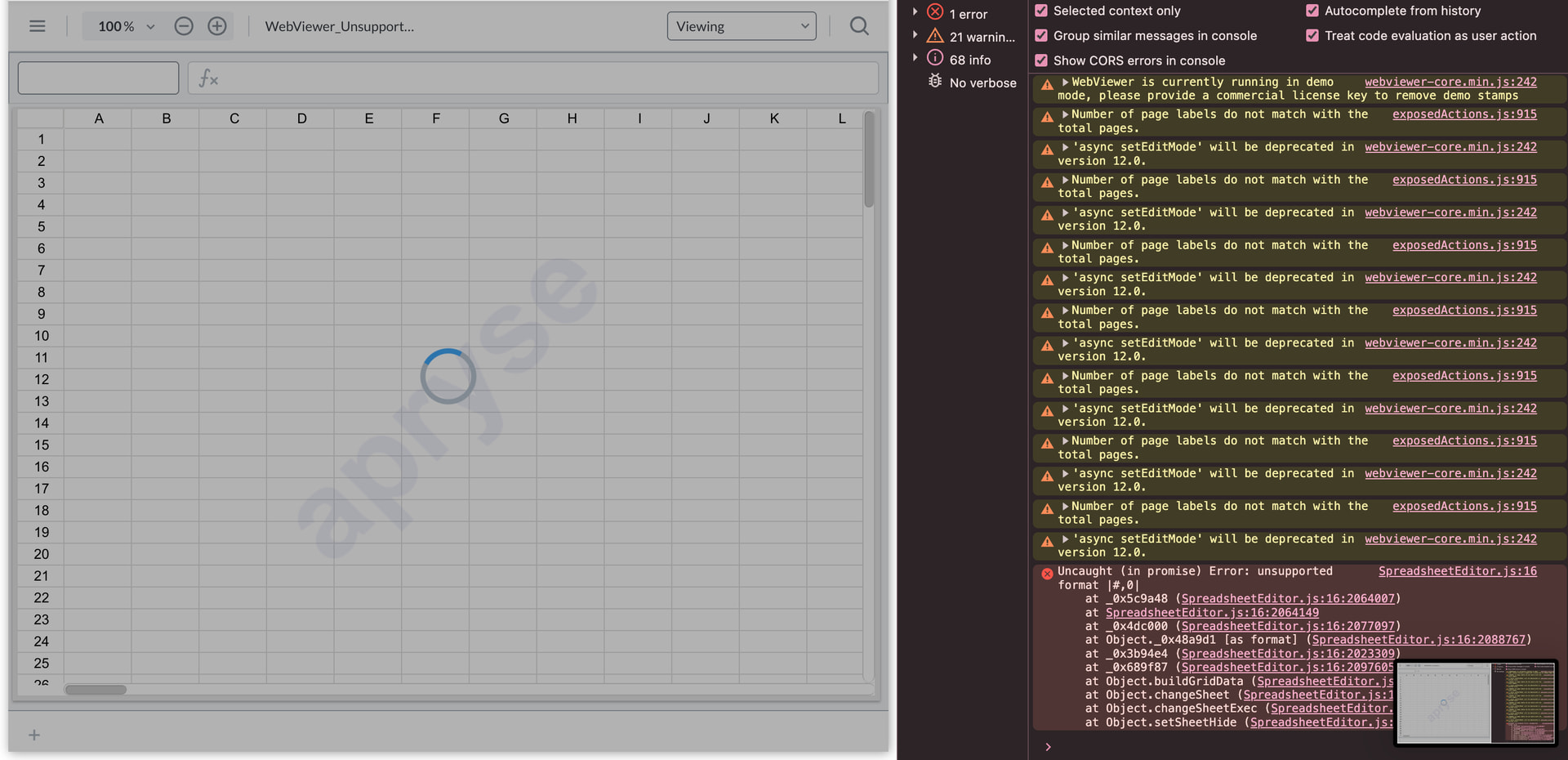
one Excel files fail to load and remain in a continuous loading state. When checking the browser console / WebViewer logs, an error is thrown by the Spreadsheet Editor similar to
Uncaught Error: unsupported format |#,0|
This appears to be related to certain internal Excel number formats that the Spreadsheet Editor is unable to parse while rendering the sheet. As a result, the viewer stays in a loading state and no user-facing error message is shown.
Steps to reproduce:
Open an XLSX file containing certain custom/internal number formats in Apryse Spreadsheet Editor (v11.10
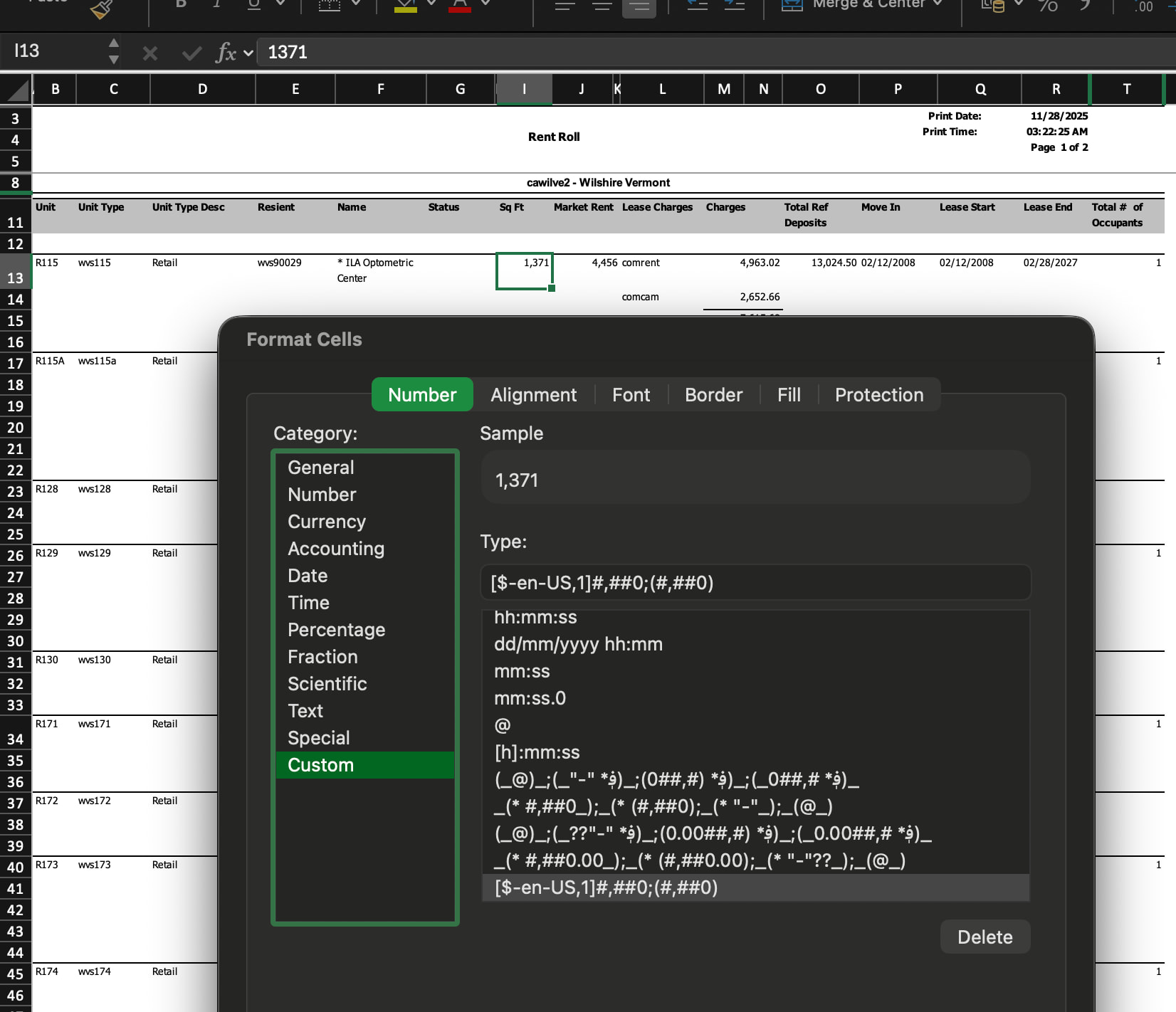
In the affected file, certain cells (e.g., in the Sq Ft column) use custom Excel number formats, which the Spreadsheet Editor appears unable to parse, leading to the infinite loading state.
Hello, I’m AiRon, an automated tech support bot While you wait for one of our customer support representatives, I can help you with your question.
The issue you’re encountering with the Apryse Web SDK Spreadsheet Editor is related to unsupported custom number formats in your Excel files. When the editor encounters these formats, it fails to parse them, resulting in an infinite loading state.
Some things you can try:
Identify and modify the custom number formats in your Excel file to a supported format before loading it in the Spreadsheet Editor.
Pre-process the Excel file to convert unsupported formats to standard ones using an external library or script.
Check for any updates or patches in the Apryse Web SDK that might address this issue.
Thank you for providing the file! We have reproduced using the file you provided and are investigating further. We will keep you up to date, in the meantime, thank you for your patience.
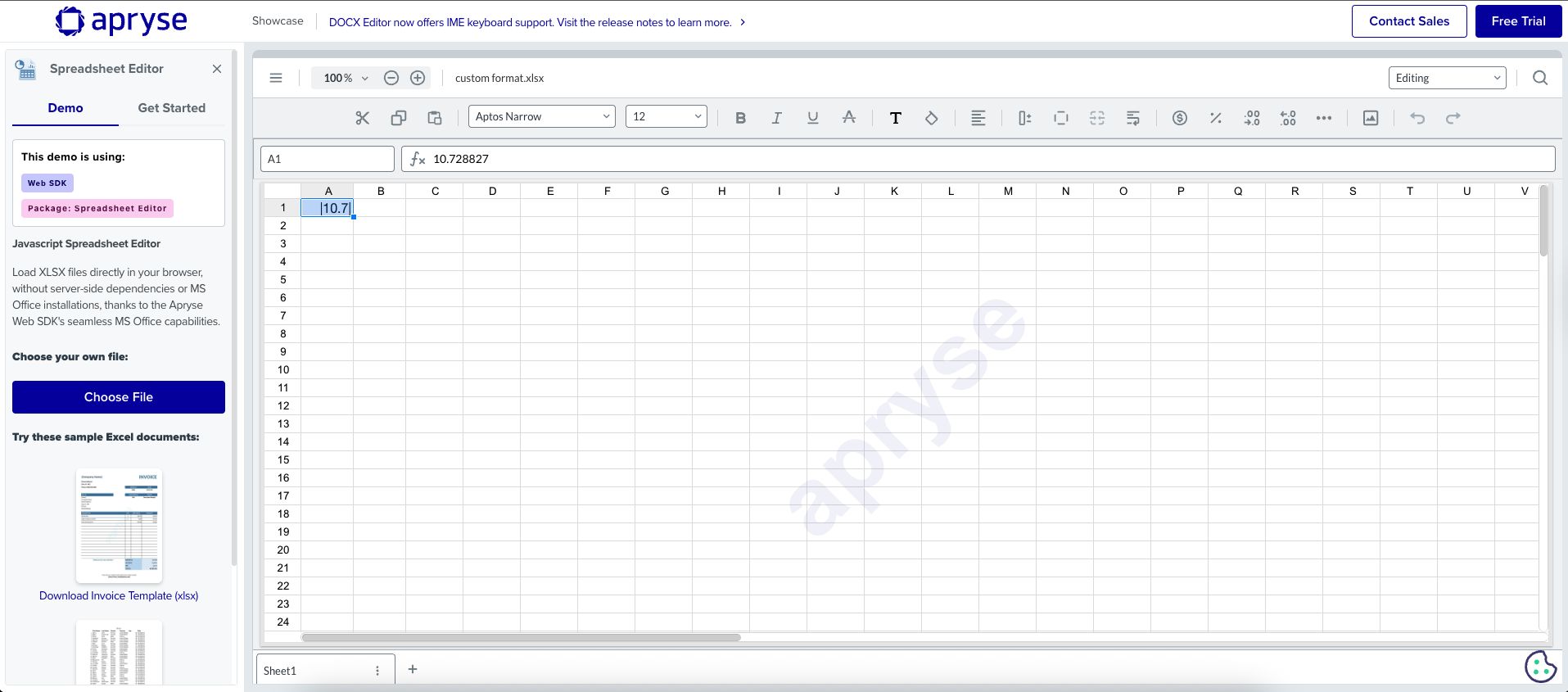
another ref file attached ,
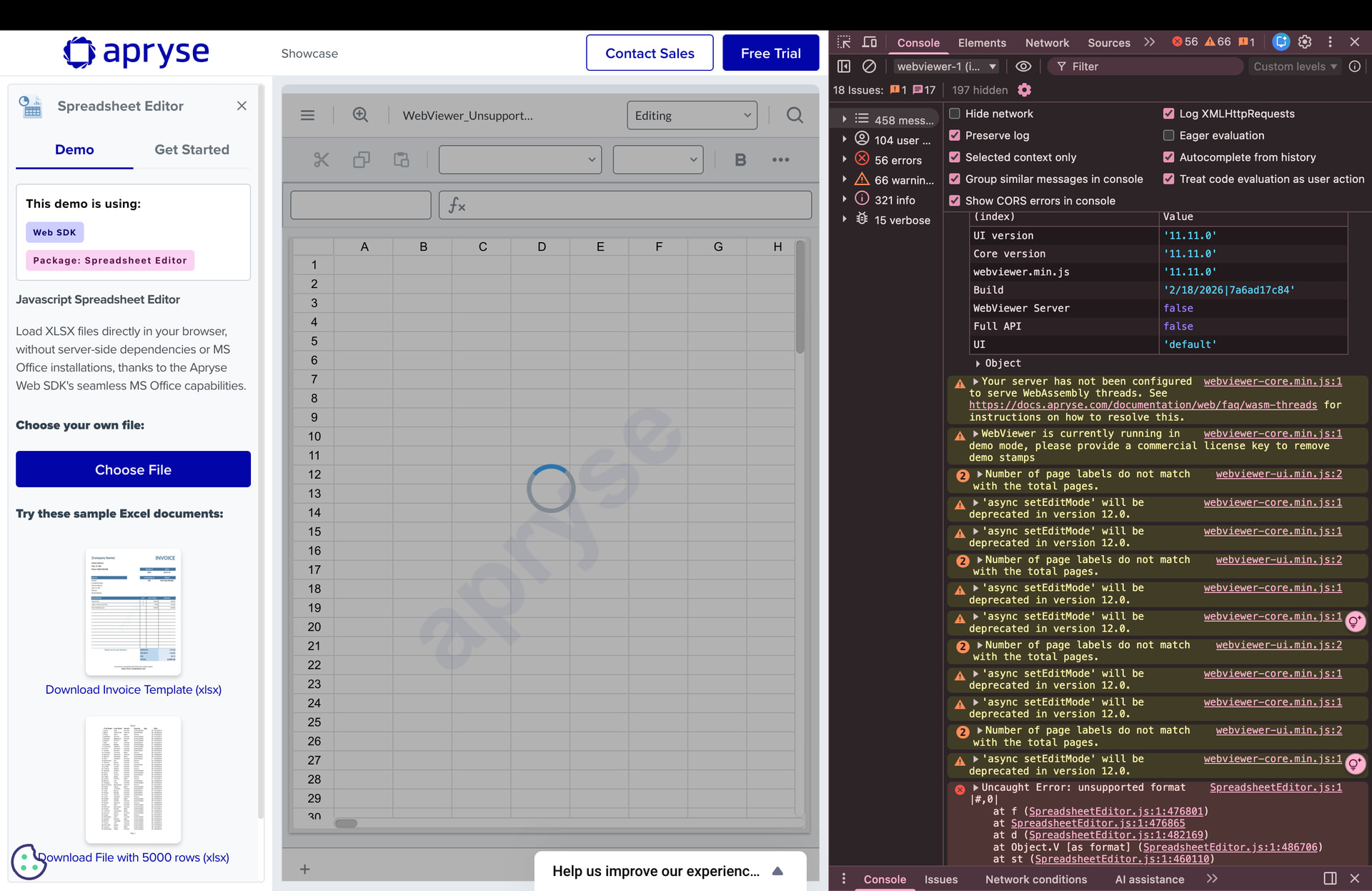
Since the issue is occurring in the latest WebViewer version as well, could you please confirm whether this can be handled at the application level, or if we need to wait for a future release for a fix?
Thank you for sharing the additional file, we have forwarded it to our development team to assist with their investigation.
As for how this is can be resolved, since our team is still investigating the root cause for this loading issue so we cannot say for certain. However, generally speaking with an issue like this it will come in a future release unless they find a stable workaround for our client to implement on their own.
Once we hear back in regards to their progress, we can update further.
In the meantime, can you share how these files are being made?
Is there a specific custom format you are adding that is triggering this error?
We appreciate your patience while the team looks into this.
This file was shared by our client as part of a reported issue. We are not manually adding any special formatting on our end. The file contains a custom number format such as #,0, which appears to be triggering the loading issue.
When we open the same file in Microsoft Excel, it works correctly without any errors. However, when opened in the Apryse Spreadsheet Viewer, the file fails to load properly and we observe the unsupported format |#,0| error in the browser console.
The file appears to be a standard Excel file with typical financial number formatting
We just wanted to follow up and let you know that the team has made a fix in regards to the number formats and this should be resolved in our next release (11.13).
To get notified for the next official release you can join our Discourse Announcements channel.