We’re using WebViewer v12.0.1 for redacting documents during import into our application. The set of documents is controlled entirely by our code, we just want the user to be able to view and redact them.
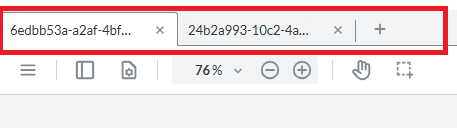
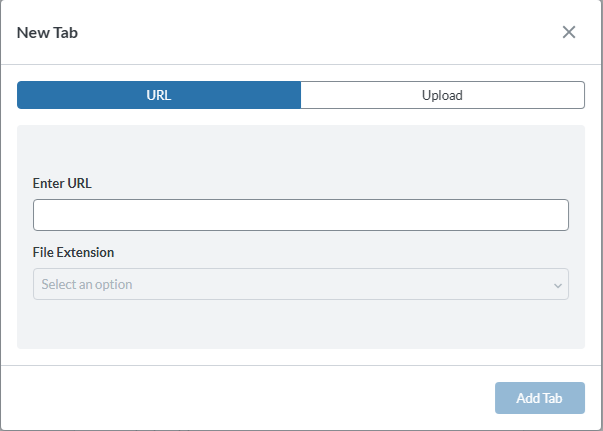
Currently we have the documents loading into the viewer, and the user can switch between them using the tab bar, but it’s also possible for the user to close tabs or add new tabs.
Which features/elements do we need to disable to hide the tab close buttons and the ‘open file’ button, as well as preventing key shortcuts from activating these functions?
Thank you for your reply. I apologise for the confusion.
There is currently no API allowing you to disable/hide/remove those buttons.
However, you can directly access the DOM and remove them manually.
Depending on whether you are using an iframe or a Web Component, the selector may change:
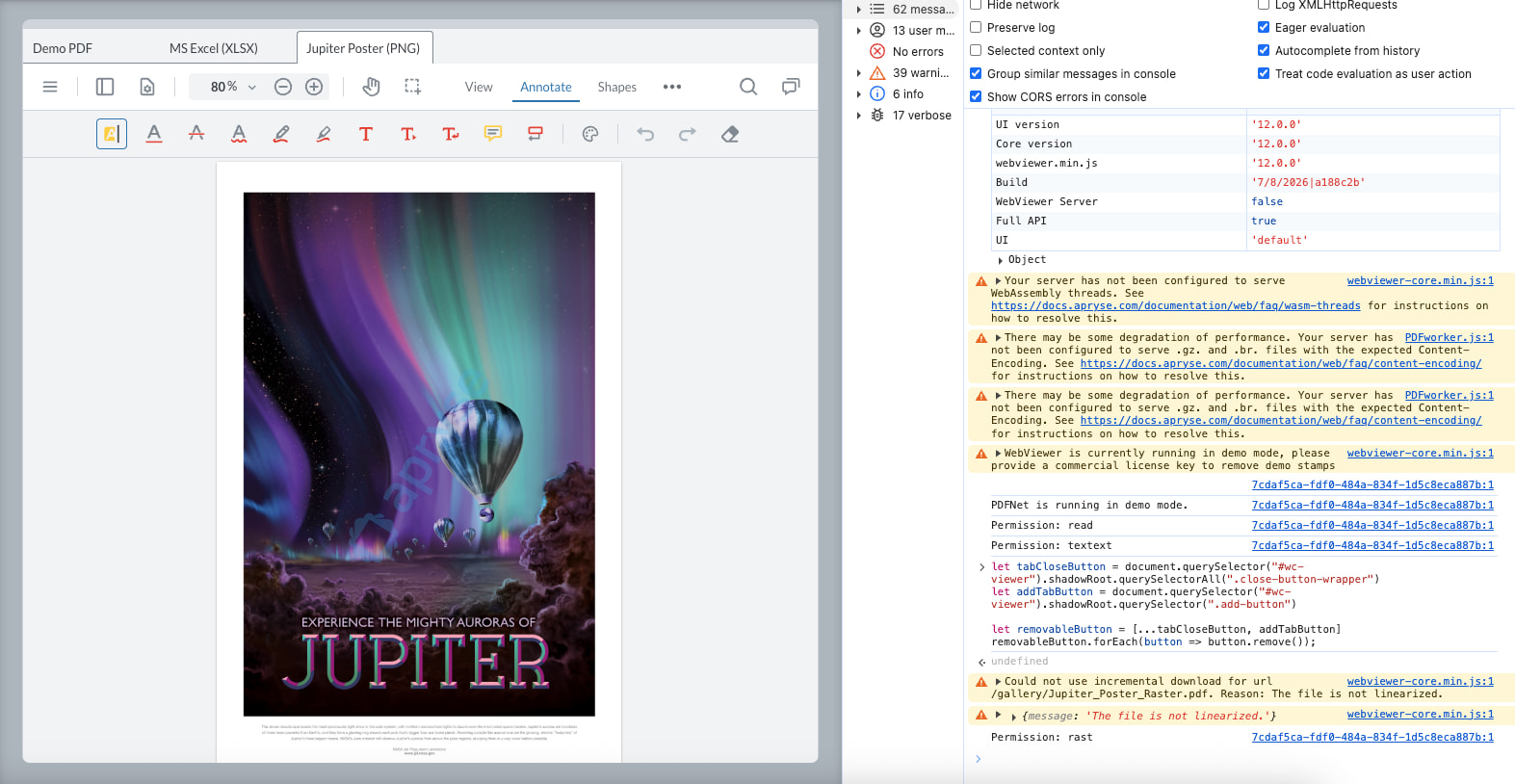
let tabCloseButton = document.querySelector("#wc-viewer").shadowRoot.querySelectorAll(".close-button-wrapper")
let addTabButton = document.querySelector("#wc-viewer").shadowRoot.querySelector(".add-button")

let removableButton = [...tabCloseButton, addTabButton]
removableButton.forEach(button => button.remove());