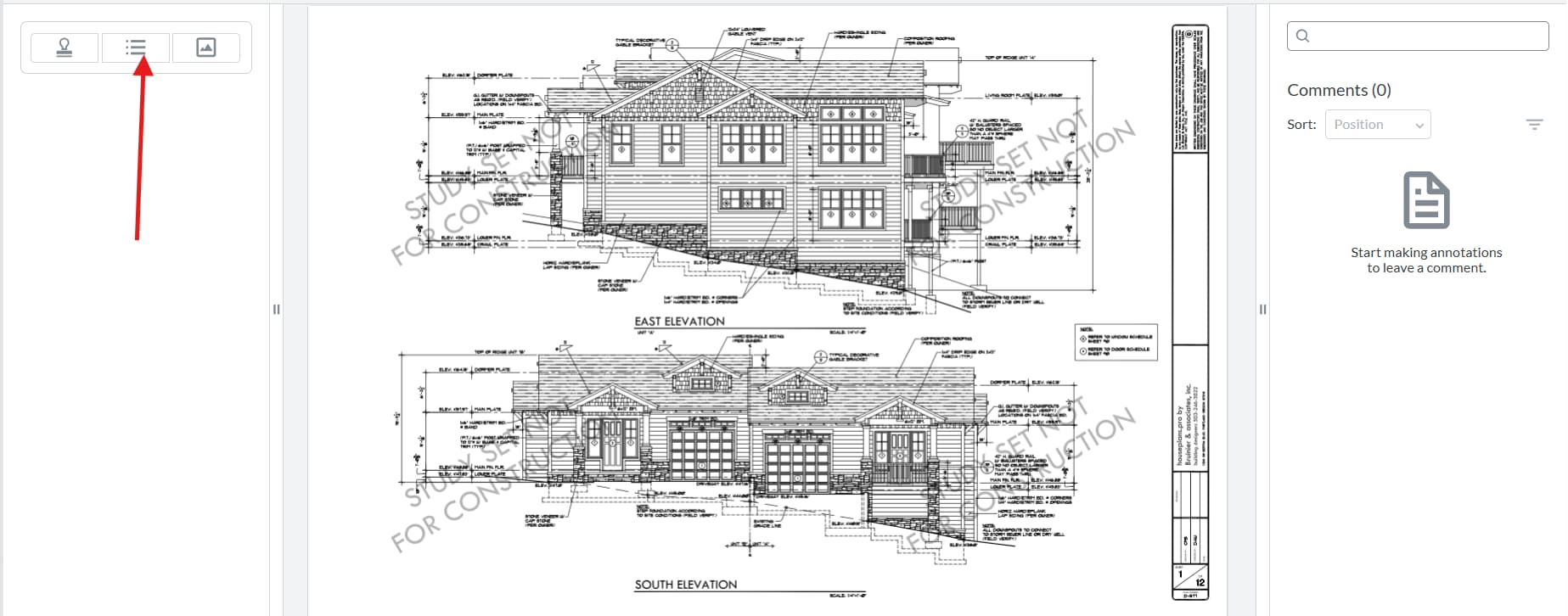
Please give a brief summary of your issue: I want to create a custom stamp panel with three buttons similar to the left panel tabs
Please describe your issue and provide steps to reproduce it: I want to create a custom stamp panel with three buttons similar to the left panel tabs (e.g., Thumbnails, Outlines):
Text Stamp
Standard Stamp
Image Stamp
When the user clicks on Text Stamp, I want to display a list of custom stamps along with a “Create New Stamp” button.
When the user clicks on Standard Stamp, I want to show a list of all predefined standard stamps.
When the user clicks on Image Stamp, I want to display a list of all image stamps.
Hello, I’m AiRon, an automated tech support bot While you wait for one of our customer support representatives, I can help you with your question.
Creating a custom stamp panel with separate buttons for different types of stamps in Apryse’s WebViewer involves customizing the UI components and implementing functionality for handling different stamp categories. You will need to extend the existing UI capabilities to include your custom panels and buttons.
Some things you can try:
Create a custom panel by extending the existing UI panels, such as the Thumbnails or Outlines panels, to include your custom buttons.
Use the API to add buttons to your custom panel for Text Stamp, Standard Stamp, and Image Stamp.
Implement event handlers for each button to display the corresponding list of stamps (custom, standard, or image).
For the Text Stamp button, include a “Create New Stamp” button to allow users to add new custom stamps.
Leverage the standard stamps API to fetch and display the list of predefined stamps when the Standard Stamp button is clicked.
For image stamps, display the list of image-based stamps when the Image Stamp button is clicked.
Here are some resources that might help you:
Modular UI Panels - Learn how to create and customize UI panels in the WebViewer.
I want to show only standard stamp in this:
renderStandardStampTab: function (documentViewer, contentDiv, instance) {
contentDiv.innerHTML = ‘’;
const tool = documentViewer.getTool(‘AnnotationCreateRubberStamp’);
var standardStampList = tool.AC;
const container = document.createElement(‘div’);
container.className = ‘d-flex flex-wrap gap-2’;
contentDiv.appendChild(container);
console.log(standardStampList);
},
Can you develop a bit on what you want to achieve and what you have so far? Providing a screenshot would be great. Is there something specific blocking you right now?
Can you clarify what you mean by “Standard stamps”? Are you referring to our Standard Stamps that are available by default in the Webviewer, or do you categorize this as Text Stamps?
If you are referring to our Standard Stamps, I think what you are looking for would be a tabbedPanel:
It would allow you to create a tabbedPanel mixing both our existing panels and customPanels of your choice.
Thanks for the reply. Yes, I’m referring to the apryse standard stamps.
One thing, is are any way that I only show standard stamps and hide custom stamps.