Do you have an issue with a specific file(s)? no
Can you reproduce using one of our samples or online demos? no
Are you using the WebViewer server? no
Does the issue only happen on certain browsers? no
Is your issue related to a front-end framework? no
Is your issue related to annotations? no
Please give a brief summary of your issue:
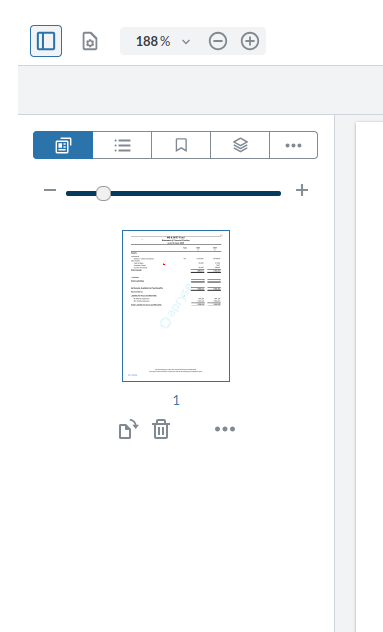
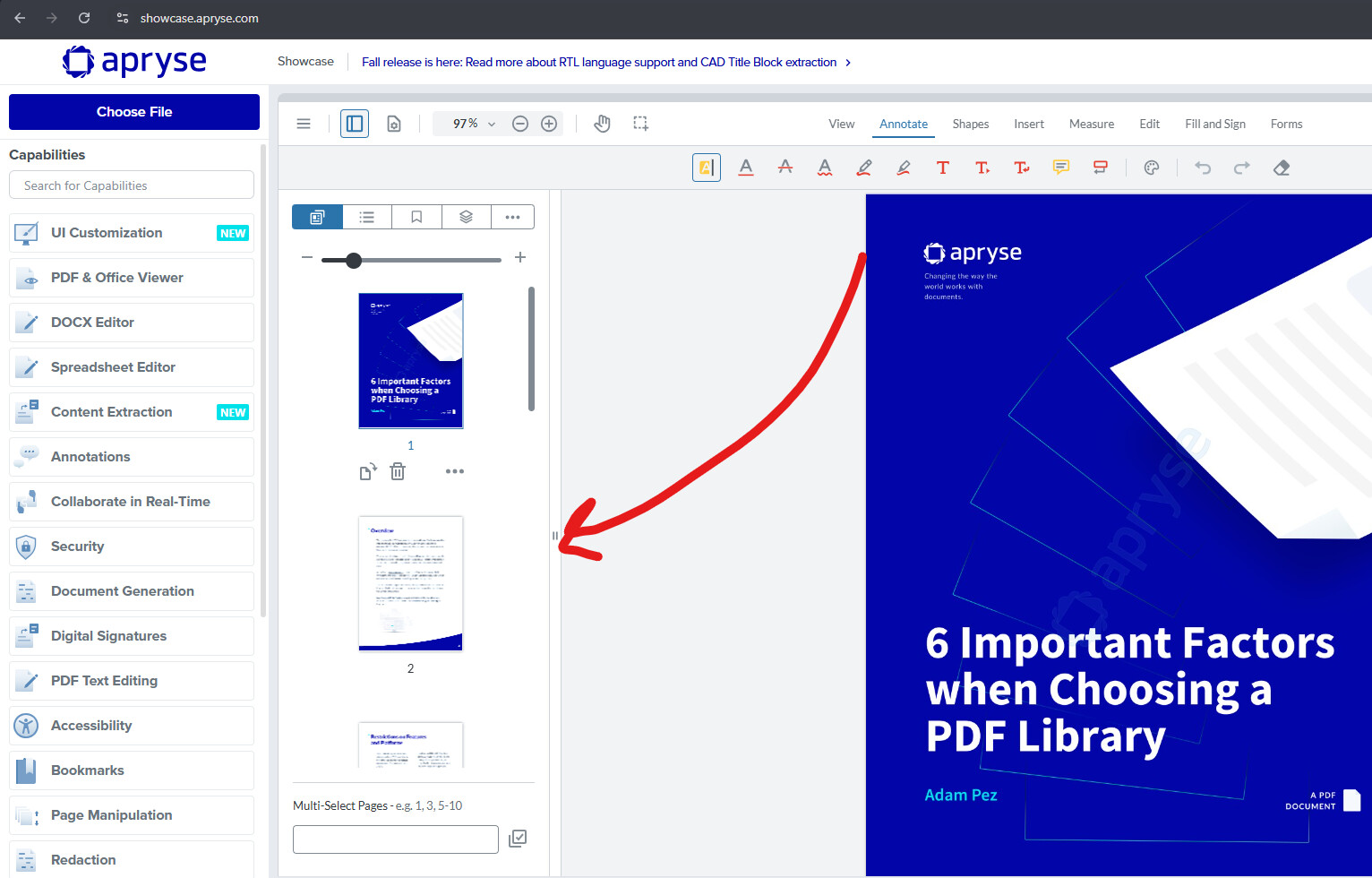
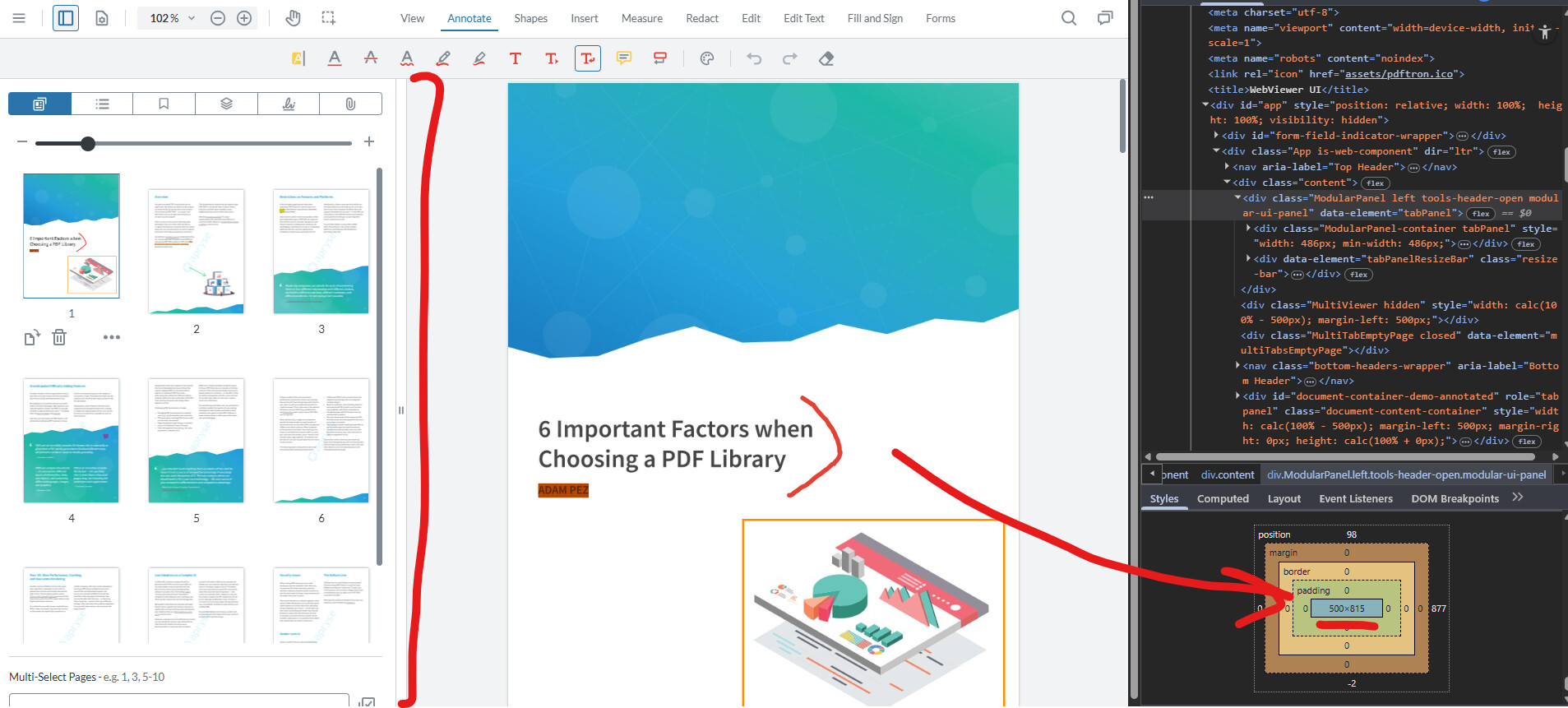
Left Panel is not resizeable
Please describe your issue and provide steps to reproduce it:
There is no resize icon on the left panel
Is there a setting to turn it on?
Is it possible to set the default size of the panel?
Hello, I’m AiRon, an automated tech support bot While you wait for one of our customer support representatives, I can help you with your question.
It seems like you are experiencing an issue with the left panel not being resizable in WebViewer version 11.7.1. By default, WebViewer panels should be resizable, and the absence of a resize icon might be due to a customization or a missing configuration.
Some things you can try:
Ensure that you have not overridden the default CSS styles for the panel, as this might affect its resizability.
Check if any custom UI settings or scripts are preventing the panel from being resizable.
Verify if the panel configuration is correct in your implementation. There should be no specific setting to enable resizing, as it is generally enabled by default.
Look into using the setMaxPanelWidth and setMinPanelWidth methods if you want to restrict the width of the panel.
Here are some resources that might help you:
UI Customization Guide: This guide will help you understand how to customize the UI, including panels.
Modular UI Panels: Learn about how panels work in WebViewer and how they can be configured.
Creating Custom Panels: This can be useful if you want to create a custom panel with specific behaviors.
You can find our showcase demo here: https://showcase.apryse.com/.
Let me know if you are also able to reproduce the issue there
Are you able to reproduce this issue on our latest release (Version 11.8)? If so, please provide all WebViewer-related code, particularly the WebViewer constructor with all options defined, any any code related to UI customization. See our guide here for updating to the latest release: https://docs.apryse.com/web/faq/upgrading-webviewer
Let us know if this works for you!
Best Regards,
Jacob Romano Carlsen
Web Development Support Engineer Apryse Software Inc.
Thanks for you reply, I’ve found that UI.enableDesktopOnlyMode(); disable the resizing. So back to my question: Is it possible to set the default size of the left panel (Insert)?