Hello, I’m AiRon, an automated tech support bot While you wait for one of our customer support representatives, I can help you with your question.
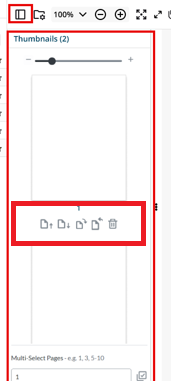
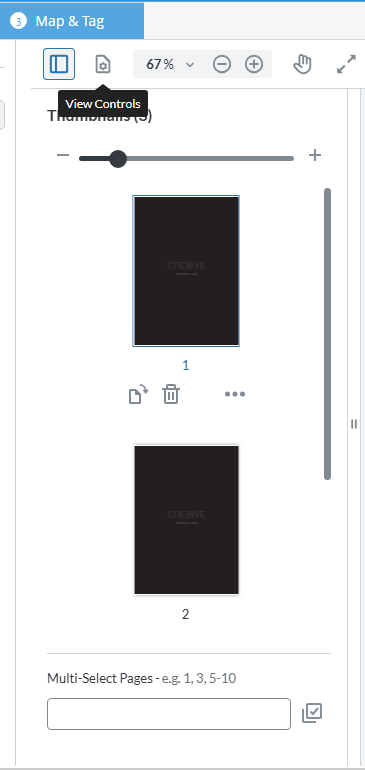
It seems like you’re trying to customize the toolbar of the thumbnail panel in WebViewer, specifically to adjust how buttons are displayed when the panel is in a tab layout. In WebViewer, UI customization can be achieved using the APIs provided for modifying and extending the interface.
Some things you can try:
Use the addToolbarButton API to add custom buttons to the thumbnail panel toolbar.
Consider using the setHeaderItems API to set or modify the toolbar items, allowing you to customize which buttons appear and their order.
Utilize the setCustomPanel API to create more advanced customizations if the default panel configuration does not meet your needs.
Leverage CSS and JavaScript to adjust the layout and styling of the toolbar buttons if needed.
If I understand correctly, you are looking for a method to modify the UI to make it easier to access the thumbnail panel? Let me know if I’ve misunderstood.
This is definitely possible, and much more easier with our Modular UI! Introduced in Version 11, it allows for a more straightforward approach to customizing the UI. In fact, you can find a code sample here for adding a button to the main header to open the thumbnails panel: https://docs.apryse.com/web/guides/modular-ui/panels#integrating-prebuilt-panels.