Do you have an issue with a specific file(s)? No
Can you reproduce using one of our samples or online demos? No
Are you using the WebViewer server? No
Does the issue only happen on certain browsers? No
Is your issue related to a front-end framework? Yes
Is your issue related to annotations? No
Please give a brief summary of your issue:
(Think of this as an email subject)
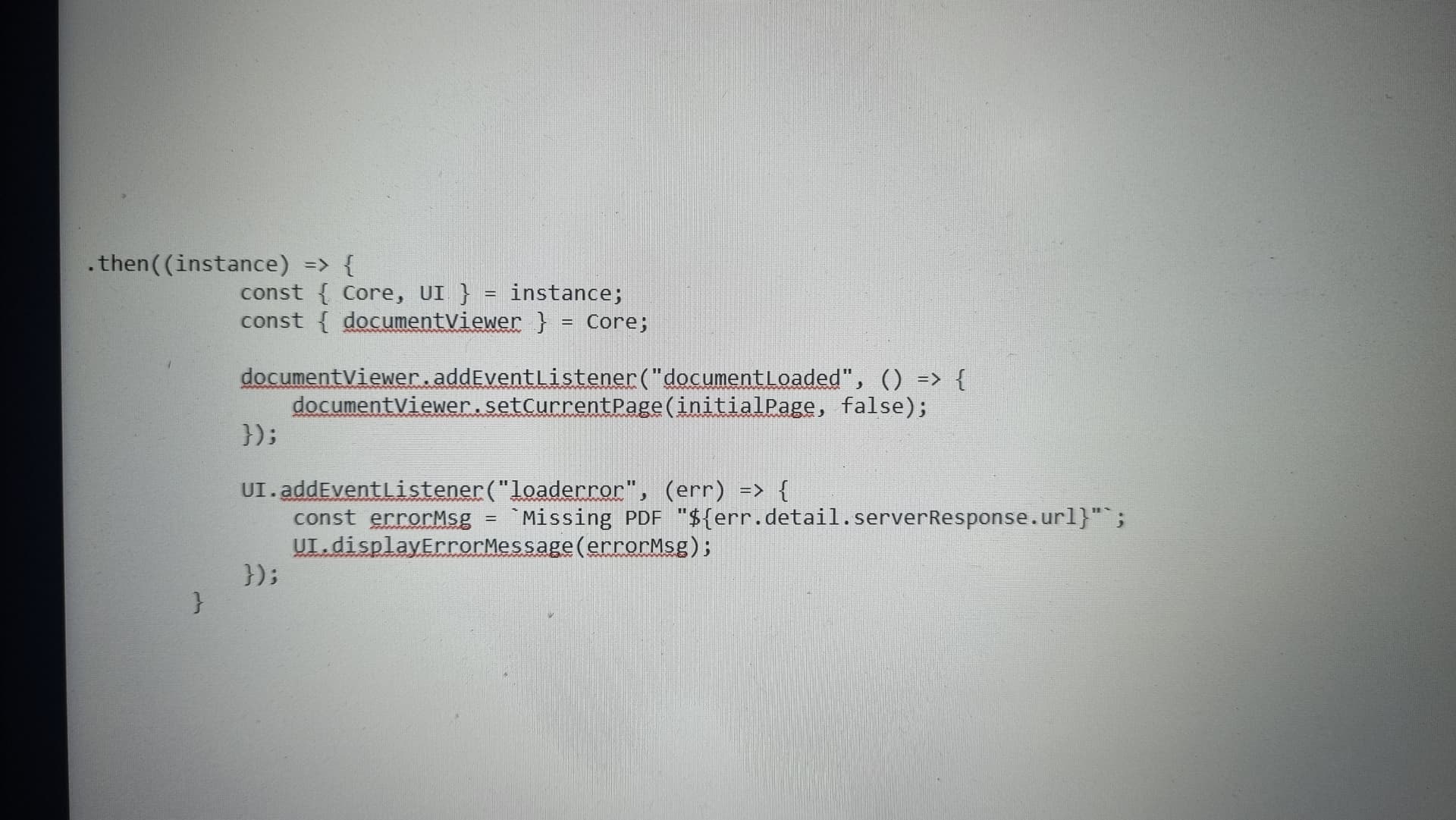
I am unable to customise the Error message when there is a loaderror.
How the customise the error message? Without going for showWarningMessage
Please describe your issue and provide steps to reproduce it:
(The more descriptive your answer, the faster we are able to help you)
Hello, I’m AiRon, an automated tech support bot While you wait for one of our customer support representatives, I can help you with your question.
Customizing the error message for a loaderror event in WebViewer can be achieved by intercepting the event and applying your custom logic. It seems you’re looking for a way to do this without using showWarningMessage.
Some things you can try:
Listen for the loaderror event by using the instance of WebViewer. You can set up a custom event handler that executes your own function.
Inside the event handler, implement your logic to display a custom message or handle the error as desired. You might consider using a custom modal or a UI element to show the message.
Ensure that your front-end framework’s state management or component lifecycle methods are used to reflect the changes in the UI.
Here are some resources that might help you:
Customizing the UI - This guide provides an overview of how to customize various UI elements within WebViewer.
 const UIEvents = instance.UI.Events;
      instance.UI.addEventListener(UIEvents.LOAD_ERROR, function (err) {
        setTimeout(() => {
          instance.UI.displayErrorMessage(
            'The document could not be loaded. Please try again later.'
          );
        }, 0);
      });