Do you have an issue with a specific file(s)? DOCX
Can you reproduce using one of our samples or online demos? Yes
Are you using the WebViewer server? No
Does the issue only happen on certain browsers? No
Is your issue related to a front-end framework? No
Is your issue related to annotations? No
Please give a brief summary of your issue:
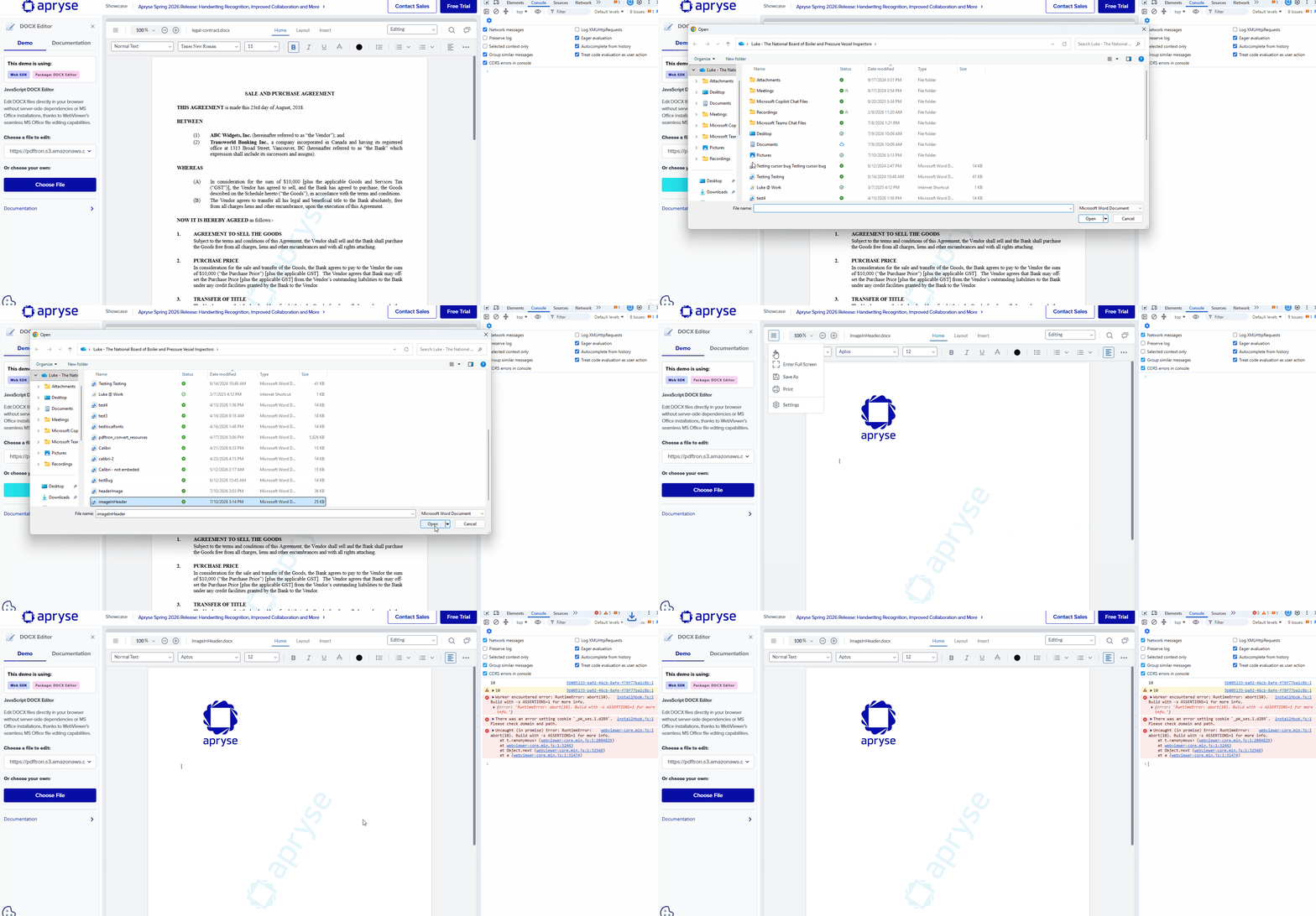
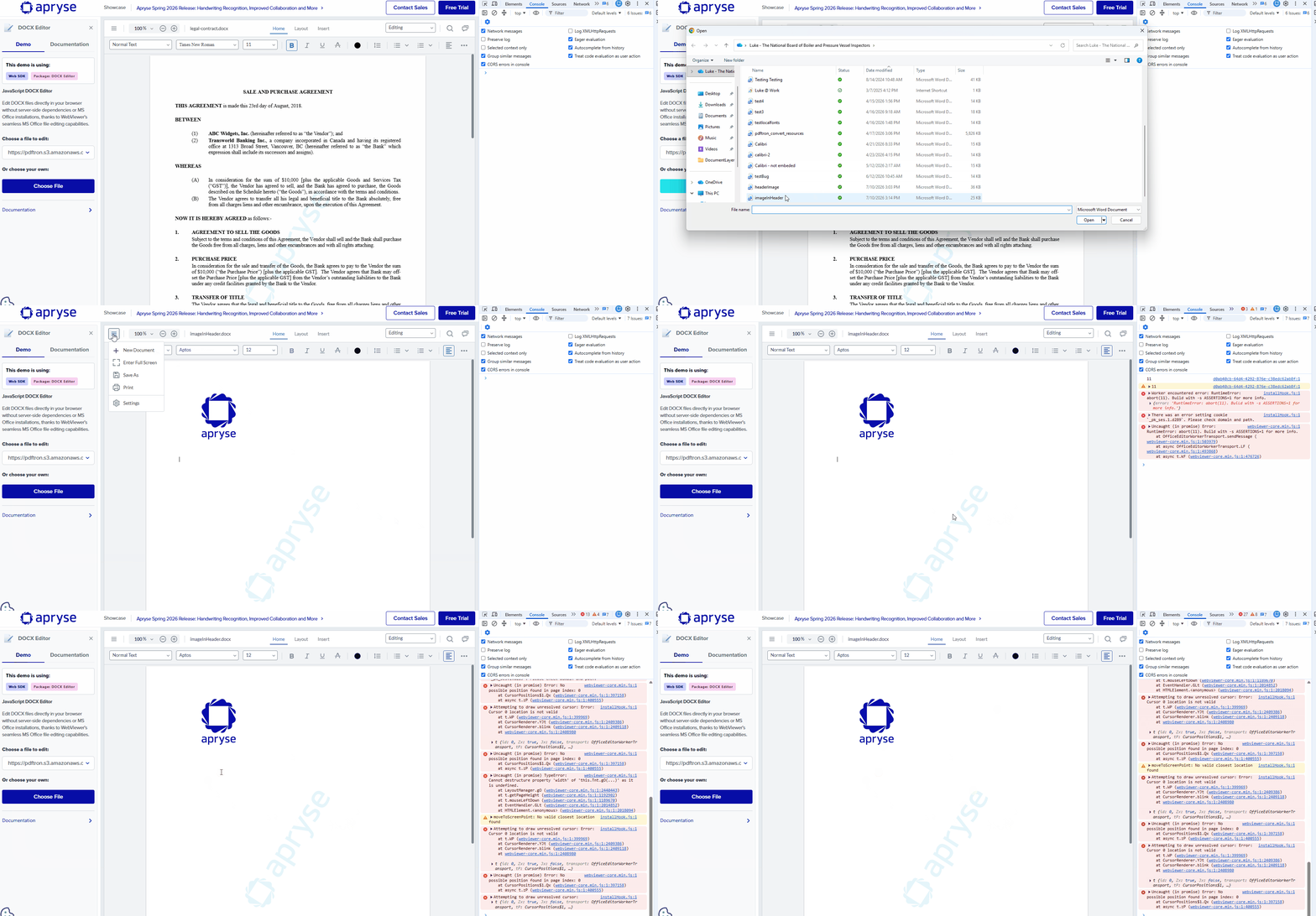
When I upload a document that has an image in the header, I get a console error when I “Save As”.
Please describe your issue and provide steps to reproduce it:
When I upload a document that has an image in the header, I get a console error when I “Save As”. If insert an image into the header through the webviewer UI, the “Save As” does not cause an error.
This is an issue in our application because the error hits the applications error boundary causing noise and concerns.
Please provide a link to a minimal sample where the issue is reproducible:
Just an added note that after I the error is triggered, I cannot type or do any edits in the webviewer. I constant stream of errors show up in the console. I have been unable to identify if there is something about the file that the webviewer does not support.
Another note that I ran into this issue on our application with webviewer 11.13 and 12.0.
I was able to reproduce the issue with the steps provided and have added this to the backlog for the product team to review. We will let you know when we have additional information.
One workaround seems to be to use the saved file (as the save still goes through) and the file works as expected.
In the meantime, could you please share the impact of this issue for the product team to evaluate the priority?
The current impact is that when one of our users uploads a file with an image in the header to the webviewer and tries to download it, it breaks the webviewer. See the attached gif. Any typing or interaction does nothing and the console is filled with errors. This is a common use case for our users.
If there is any insight you have on the difference between the file I provided that triggered the error and the file you originally used that did not trigger the error, please advise and that may help our users avoid the error until there is a fix.