Product:Apryse WebViewer (Spreadsheet + Excel to PDF rendering)
Product Version:11.11.0
Please give a brief summary of your issue:
Excel file causes loading issue in Spreadsheet Viewer and incomplete rendering in PDF view (rows cut off)
Please describe your issue and provide steps to reproduce it:
Hi Team,
We are facing issues with a specific Excel file when using Apryse WebViewer.
Issue:
The same Excel file shows two problems:
-
Spreadsheet Viewer
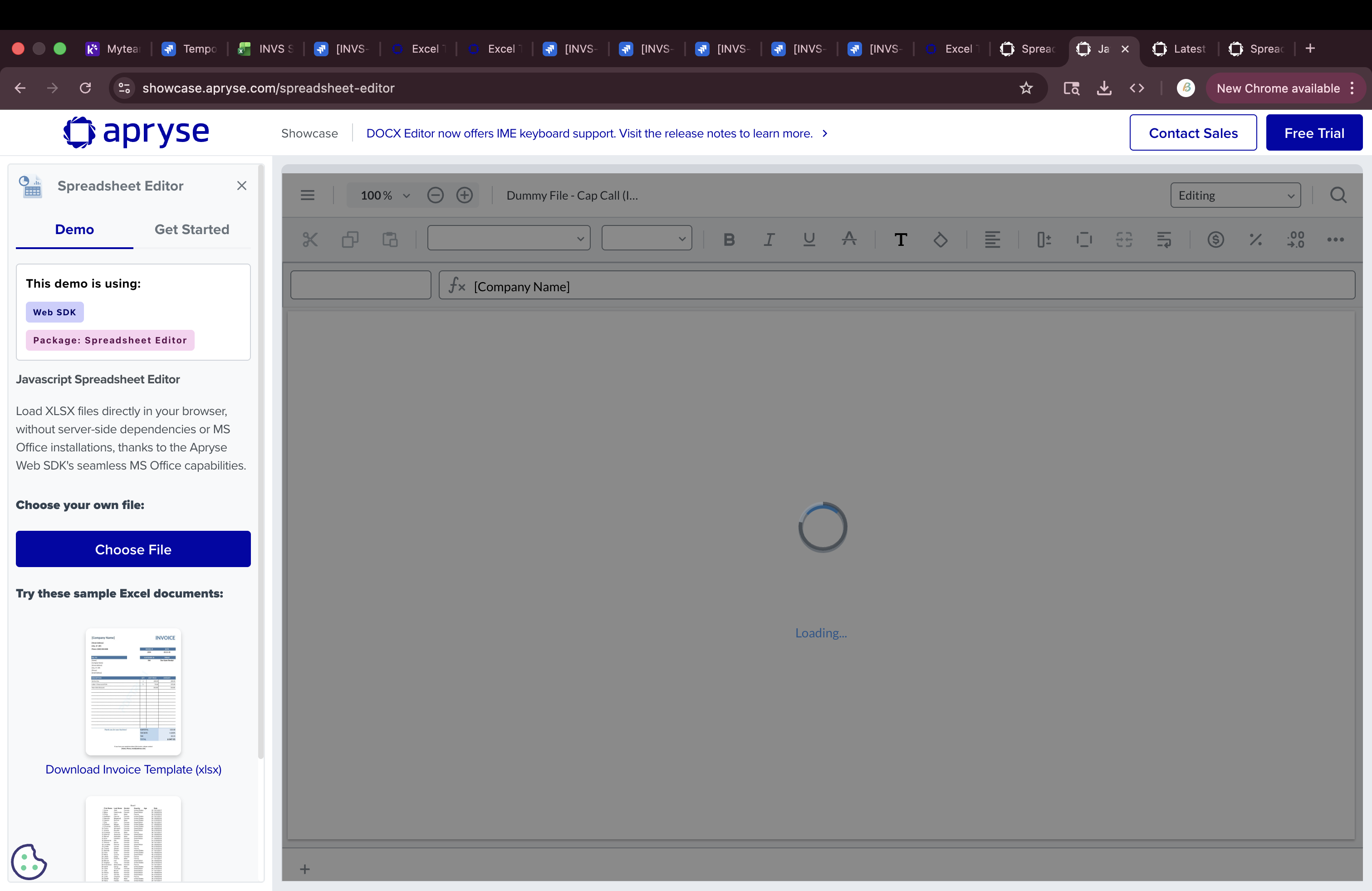
- Viewer keeps loading continuously
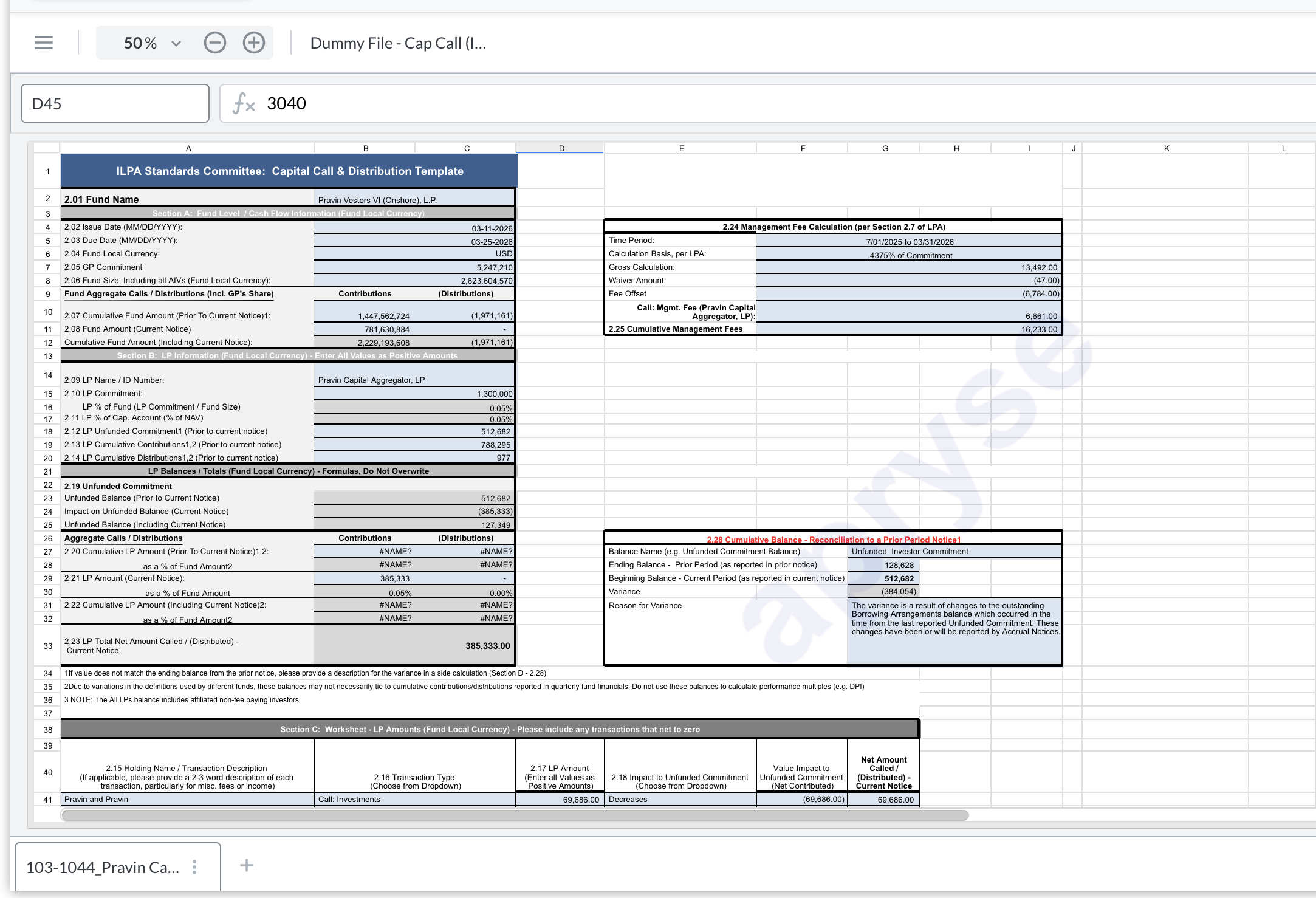
- File does not fully render
-
PDF View (Excel to PDF rendering)
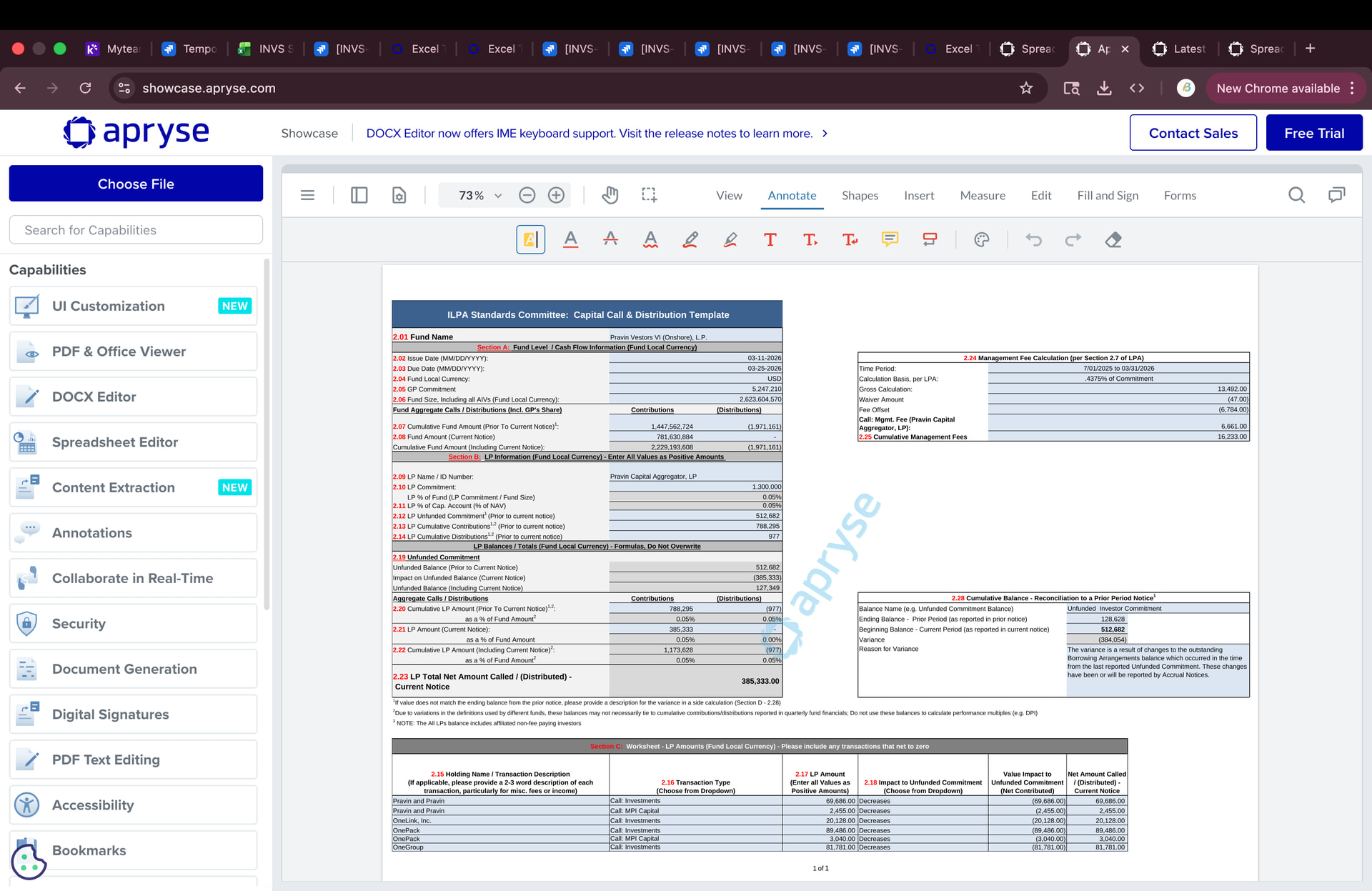
- File loads, but some rows are missing
- Content is cut off after a certain point (around row 47)
Steps to Reproduce:
- Open WebViewer
- Upload the attached Excel file
- Check:
- Spreadsheet view → keeps loading
- PDF view → rows missing after a certain point
Expected Behavior:
- Spreadsheet Viewer should load the file completely
- PDF rendering should display all rows
Actual Behavior:
- Spreadsheet Viewer remains in loading state
- PDF rendering cuts off content beyond a certain row
File Details:
The attached Excel file is a financial report (ILPA format) and:
- Contains structured sections in a single sheet
- Has content extending beyond one page
- Uses Excel’s default print layout
Workaround:
We were able to resolve the PDF rendering issue by:
- Open the file in Microsoft Excel
- Select the full data range (all required rows and columns)
- Go to Page Layout
- Click Print Area → Set Print Area
- Save and re-upload
After applying this, all rows are rendered correctly in PDF view.
Question:
Is this expected behavior related to Excel print layout or page break handling?
Additionally, for the Spreadsheet Viewer loading issue, is this a known limitation when handling such Excel files?
Are there any recommended best practices or upcoming fixes for these cases?
Thanks!
Dummy File - Cap Call (ILPA) - 03-25-26 (Twrbruk6) (1).xlsx (23.8 KB)