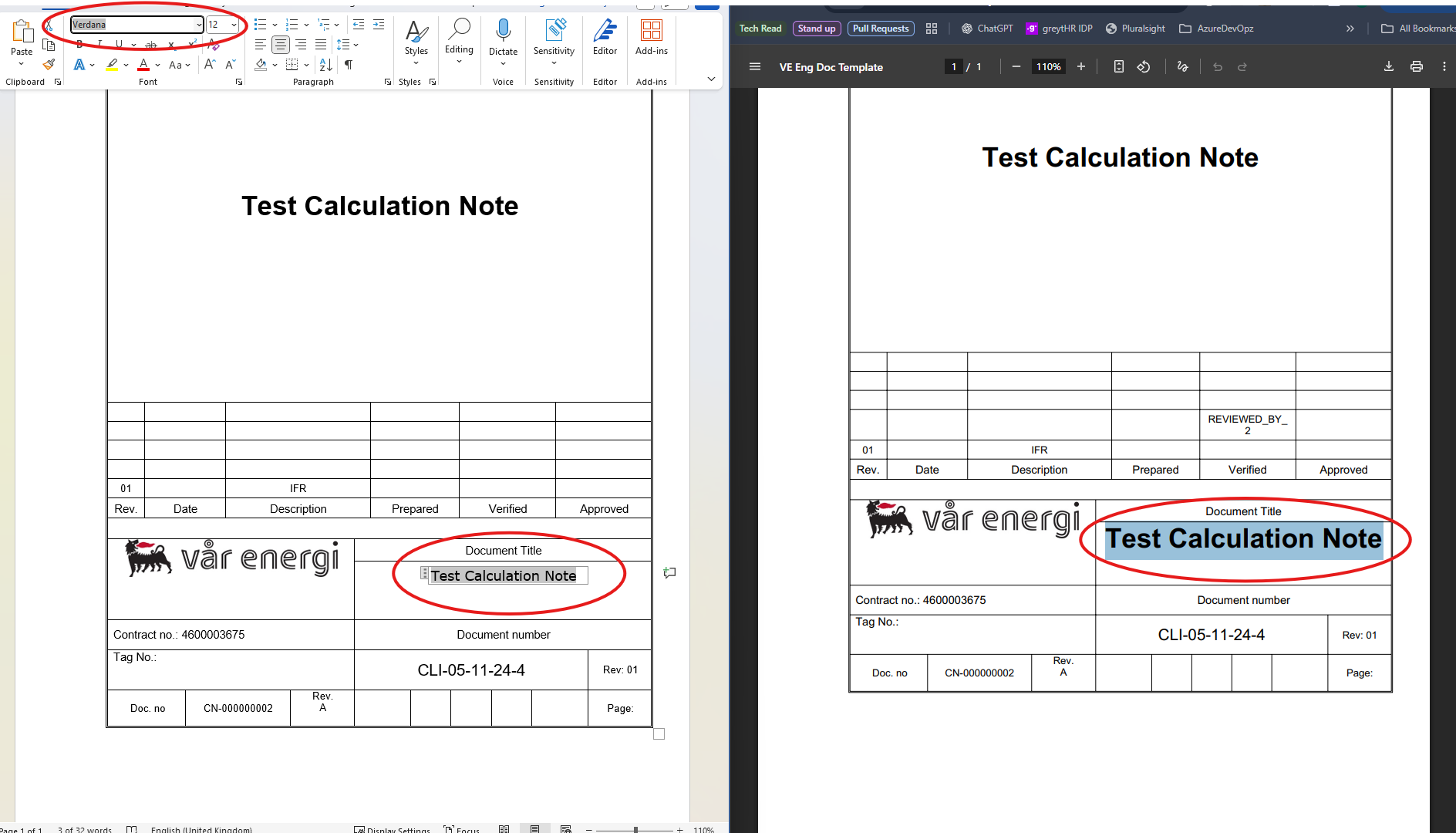
Please give a brief summary of your issue:
When a word file is converted to pdf, there are few extra fonts that are being added and the formatting is being changed.
Please describe your issue and provide steps to reproduce it:
When converting a Word document to PDF, it appears that additional fonts that are not present in the source file are being added during the conversion process. As a result, the formatting of the PDF file changes and does not match the original Word file.
Does the conversion process automatically add these extra fonts? If so, is there a way to prevent this and ensure that the fonts and formatting in the PDF match the original Word document exactly?
Hello, I’m AiRon, an automated tech support bot While you wait for one of our customer support representatives, I can help you with your question.
It sounds like you’re experiencing issues with font substitution during the conversion process from Word to PDF using the PDFTron.NET.x64 SDK. This can happen if the original fonts in the Word document are not embedded during the conversion, which may lead to formatting changes if substitute fonts are used.
Some things you can try:
Ensure that the fonts used in the Word document are available and accessible on the system where the conversion is taking place.
Use the smart embedding feature to ensure that the fonts are embedded in the PDF as closely as possible to the originals.
Configure the conversion options to include font embedding and substitution settings that preserve the original formatting.
Thank you for providing us with the original Word document and converted PDF. I can see that the PDF only has Arial and Arial Bold fonts, which appear to be what the original Office file is using. If you can provide us with screenshots of the exact formatting differences you can see on you end?
Thank you in advance for the additional information.
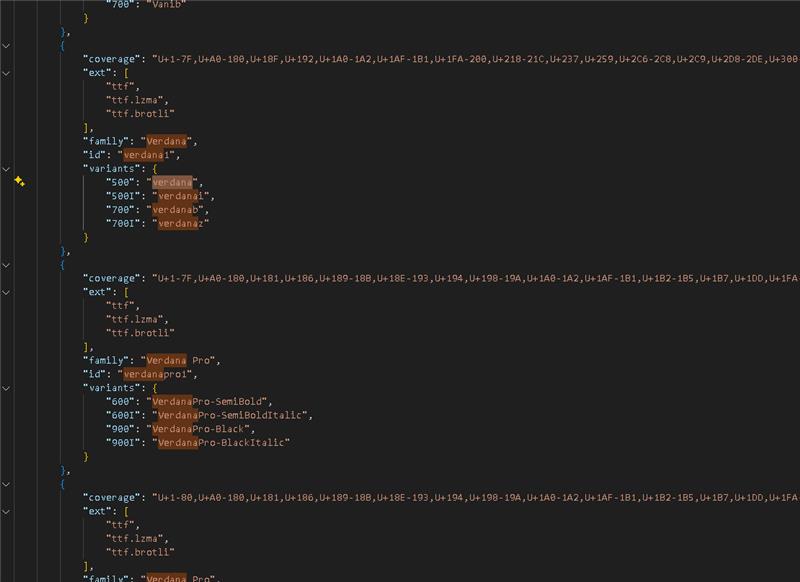
Thank you for the clarification. On my side, added the Verdana font family to the webfonts and was able to convert the file with the fonts included. Please see the attached file below: output-fc.pdf (43.8 KB)
I see you are using an older version of the SDK. Can you please upgrade to see if this corrects the issue? You may download the latest version using the link here.
I have tried converting the file in a console application and the conversion is working as expected with latest version of the SDK and also with our current version(11.3.0). This issue is only reproducible in azure appservices. And this is happening specifically with form fields. What could be the issue and is there any precautions that we need to take care of in our case?