Please give a brief summary of your issue:
When viewing Word/PDF documents in WebViewer, some pages are added or removed. Additionally, the number of pages changes when the Word file is converted to PDF.
Please describe your issue and provide steps to reproduce it:
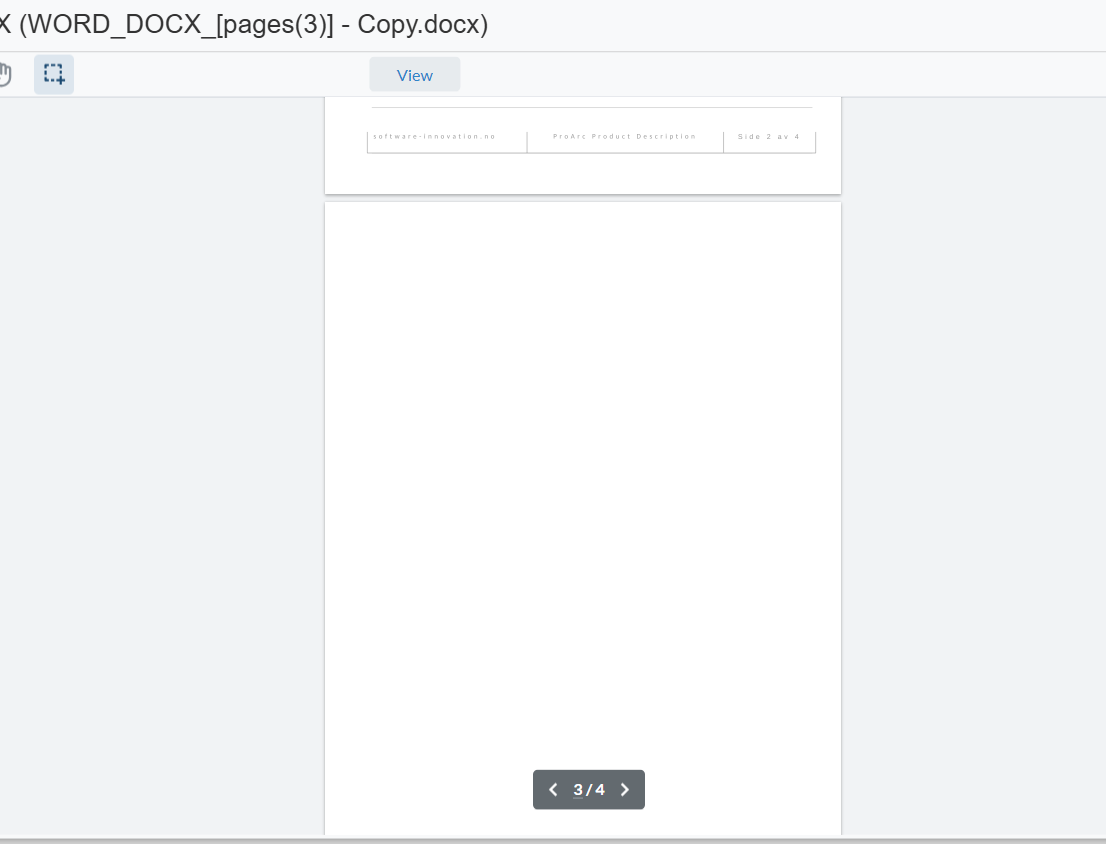
The Word or PDF document displays the correct number of pages when opened in Microsoft Word or Adobe Acrobat. However, when viewed in WebViewer, the page count is incorrect. For Word files specifically, an extra blank page is added or pages are reduced as shown below.
Hello, I’m AiRon, an automated tech support bot While you wait for one of our customer support representatives, I can help you with your question.
The page count discrepancy you’re experiencing when viewing Word or PDF documents in WebViewer compared to Microsoft Word or Adobe Acrobat is a common issue that arises due to differences in rendering engines and document processing. WebViewer uses its own rendering engine, which might interpret document formatting differently from other applications.
Some things you can try:
Ensure that the WebViewer is using the latest version of the core library, as updates often include improvements in rendering accuracy.
Check if there are any specific styles or elements in your Word document that might not be supported or rendered differently in WebViewer, such as custom fonts or complex tables.
Consider flattening complex elements in the Word document before conversion to PDF to ensure consistent rendering.
Use the conversion settings to adjust how the document is rendered or converted, which might help in aligning the page count closer to the original.