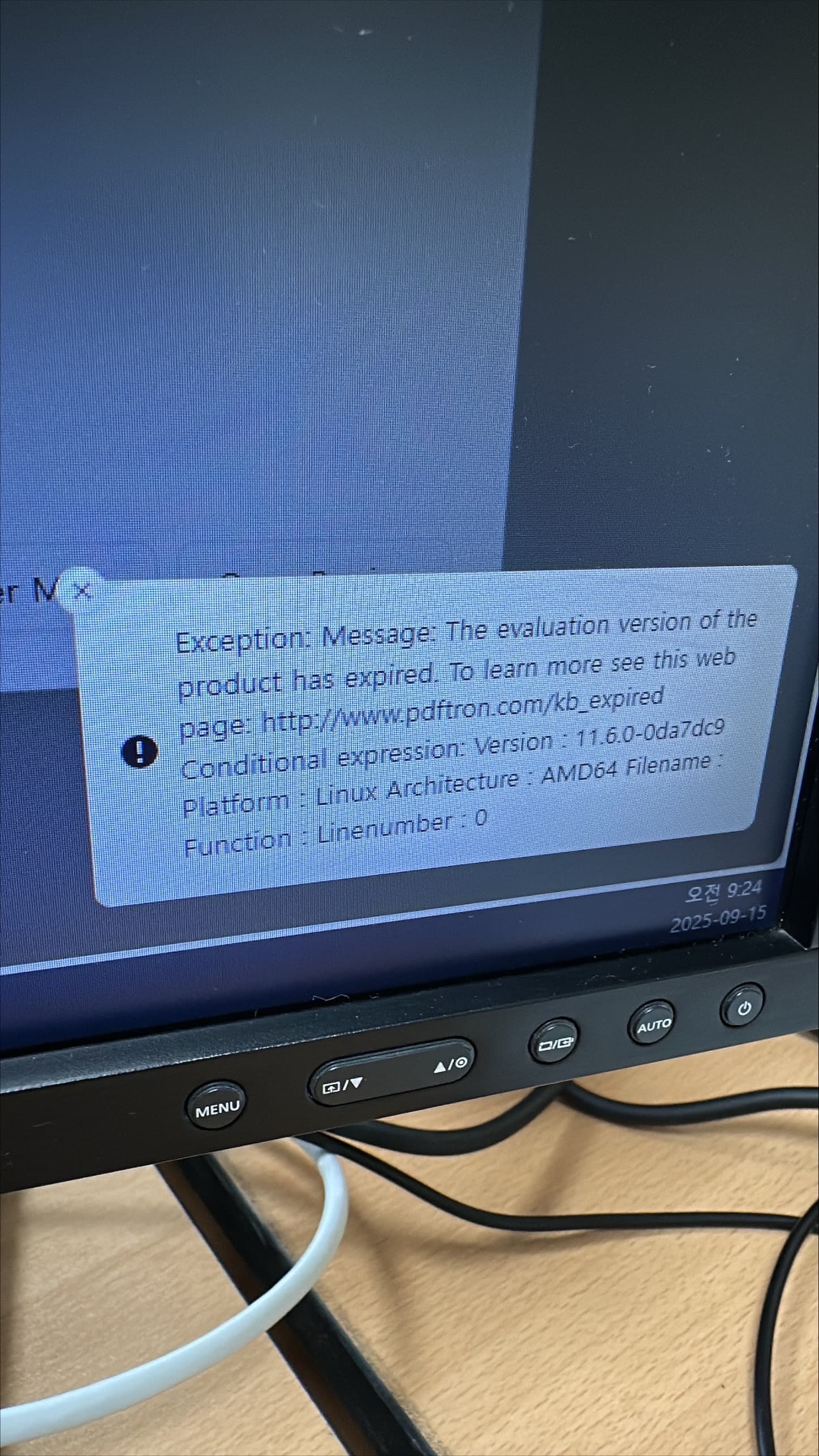
Please give a brief summary of your issue: The evaluation version of the product has expired.
(Think of this as an email subject)
Please describe your issue and provide steps to reproduce it:
(The more descriptive your answer, the faster we are able to help you)
The validation version of the product has been expanded. The error appears when the existing Demo key has expired and a new Demo key has been issued and applied. The error does not appear in the development environment, but it occurs when distributed in a closed network. Can you tell me why?
I’ve already purchased the license, and I’m running a pre-application test.
Hello, I’m AiRon, an automated tech support bot While you wait for one of our customer support representatives, I can help you with your question.
It seems like you are facing an issue with the evaluation version of the Apryse Server SDK, where the demo key might not be functioning as expected in a closed network environment. This could be related to network restrictions affecting the validation of the demo key or the application of the new key.
Some things you can try:
Ensure that the new demo key is correctly applied in your configuration files or environment variables.
Check if there are any network settings or firewalls in the closed network that might be blocking the validation process.
Verify that the environment where the error occurs has the same setup as your development environment, especially concerning network access and permissions.
Consider testing with the purchased license to confirm that the issue is specific to the demo key.
If you do not have an unlimited free trial demo key, we would highly recommend this. You can get one from the developer portal by signing in using your email:
Please make sure that the following domains are accessible from your application, as the demo mode will need to send usage data (otherwise the trial will be limited):
Please let me know if this works for you, and if you have any further questions.
Best Regards,
Jacob Romano Carlsen
Web Development Support Engineer Apryse Software Inc.